
Chat with the AI Agent
How to ask good questions, follow a run, answer the agent's questions, retry or cancel, and read the result labels.
Video coming soon. The steps below are complete.
Chat is where you give the AI Agent work. Each message starts a run: the agent plans the steps, runs them and shows the results.
Steps
- Open ✦ AI Agent › Chat. When it's empty you'll see What should the agent work on? and example requests.
- Type what you want, with the important numbers. Good examples:
- Find suppliers for silicone kitchen utensils in China and verify them
- Plan PPC for my garlic press, price $19.99, unit cost $4, target ACoS 25%
- Make a launch plan for silicone baking mats
- How is my Amazon store doing?
- Send it. The run moves through Planning, Running, Waiting (for an approval or a connection) and Completed.
- If the run says Needs your input, answer the question in chat.
- Use Cancel run to stop, Retry if a run failed, Review approval → to open a waiting approval, and + New chat to start fresh.
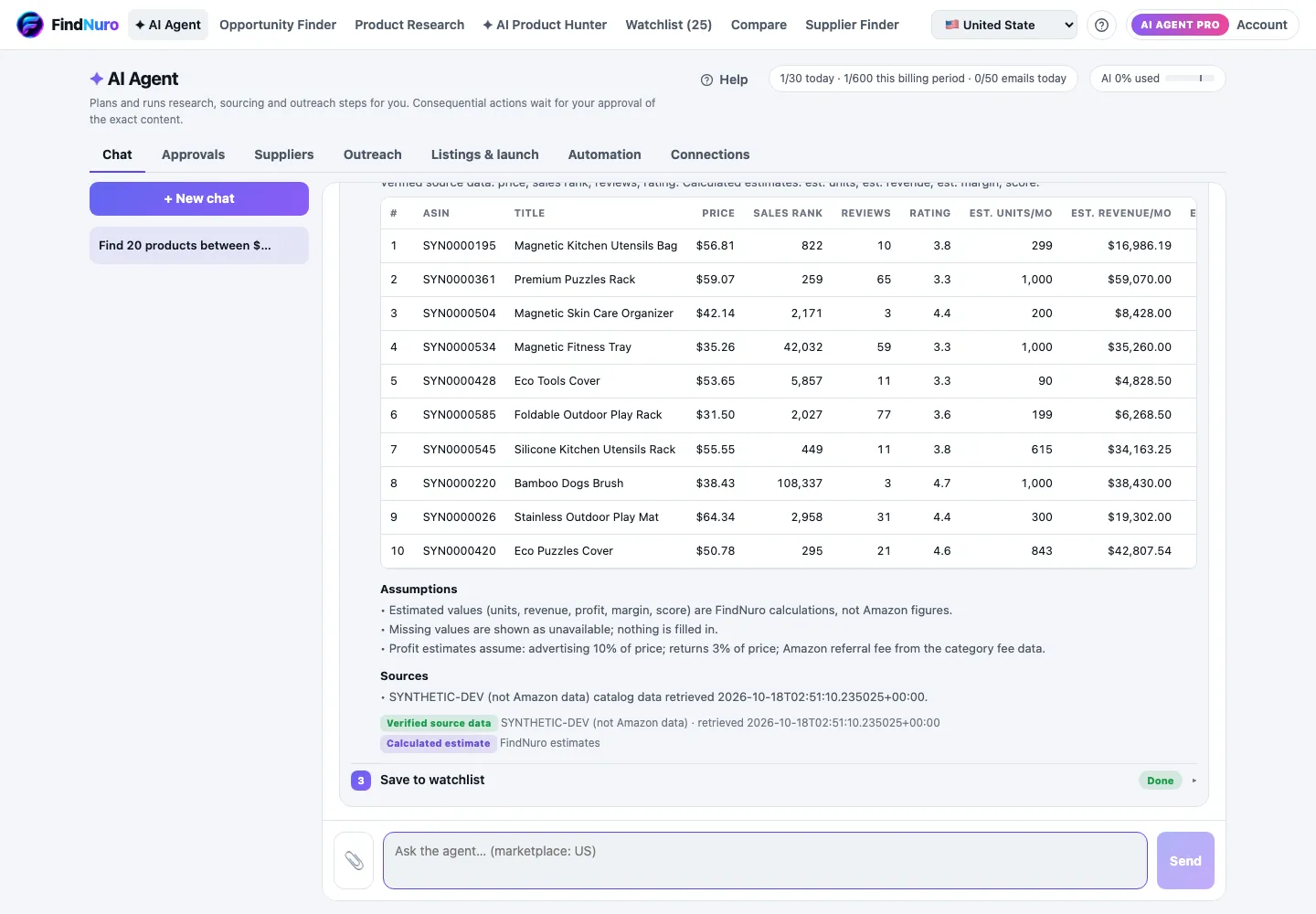
Business questions
The agent answers questions about your Amazon business using FindNuro's research data and, if connected, your Amazon store. Ask it to explain a number, compare products, estimate profit or plan a launch.
Read the result labels
| Label | Meaning |
|---|---|
| Verified source data | Came directly from a data source, such as your Amazon account |
| Calculated estimate | Calculated by FindNuro (for example a sales estimate) |
| AI interpretation | The AI's reading or summary. Check it |
| Public website (unverified) | Found on a public website. Not verified |
| Supplier-listed on the platform (unverified) | What a supplier says about itself. Not verified |
Tips
- Give numbers: price, cost, budget, marketplace.
- Name the marketplace if you sell in more than one.
- One goal per message works best.
Frequently asked questions
I see "Too many messages. Please wait a moment."
You sent several messages very quickly. Wait a few seconds and try again.
Does each message count toward my limits?
Each run counts toward your daily and billing-period agent runs (30 a day, 600 per billing period) and uses your AI allowance. See AI Agent limits.